Business Phones on One Plan
We work with any VoIP platform and help port your existing numbers. Desk phones, softphones, and call routing get set up together, with menus and voicemail ready.

VoIP, Servers, and Microsoft 365
Moving offices, replacing an aging server, or switching to a VoIP phone system? We help you choose and buy the equipment, move your files, and train your staff. After launch, the people who set it up keep supporting it, so nobody calls three vendors.
Plan Workplace TechnologyWe work with any VoIP platform and help port your existing numbers. Desk phones, softphones, and call routing get set up together, with menus and voicemail ready.
Whether you keep a server or move files to Microsoft 365, we size the hardware, handle the warranties, and plan the migration.
As an authorized Microsoft 365 reseller, we configure email, shared files, and remote access.
We schedule phone cutovers and server moves to interrupt as little work as possible. Before launch, our technicians test real calls, files, and sign-ins, and you keep the documentation.
New hires, moved desks, and a phone that stops ringing all go to the people who built the system. Ongoing support can be hourly or part of managed IT.
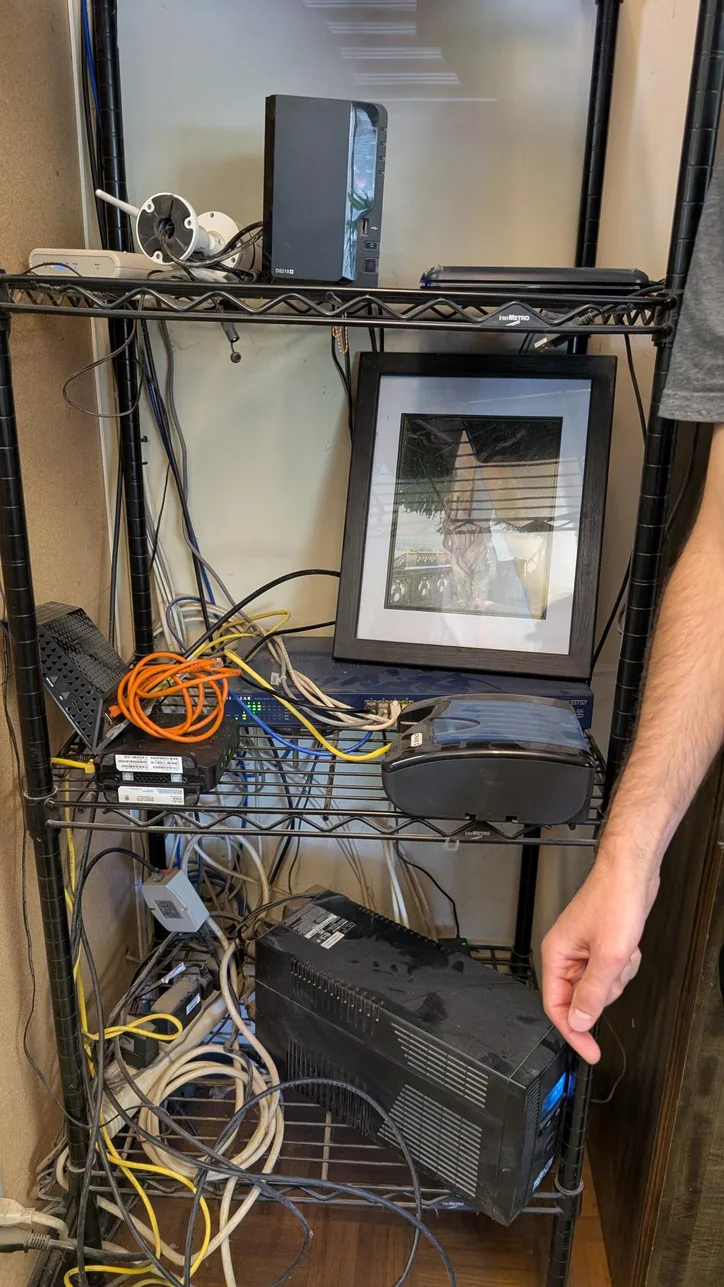
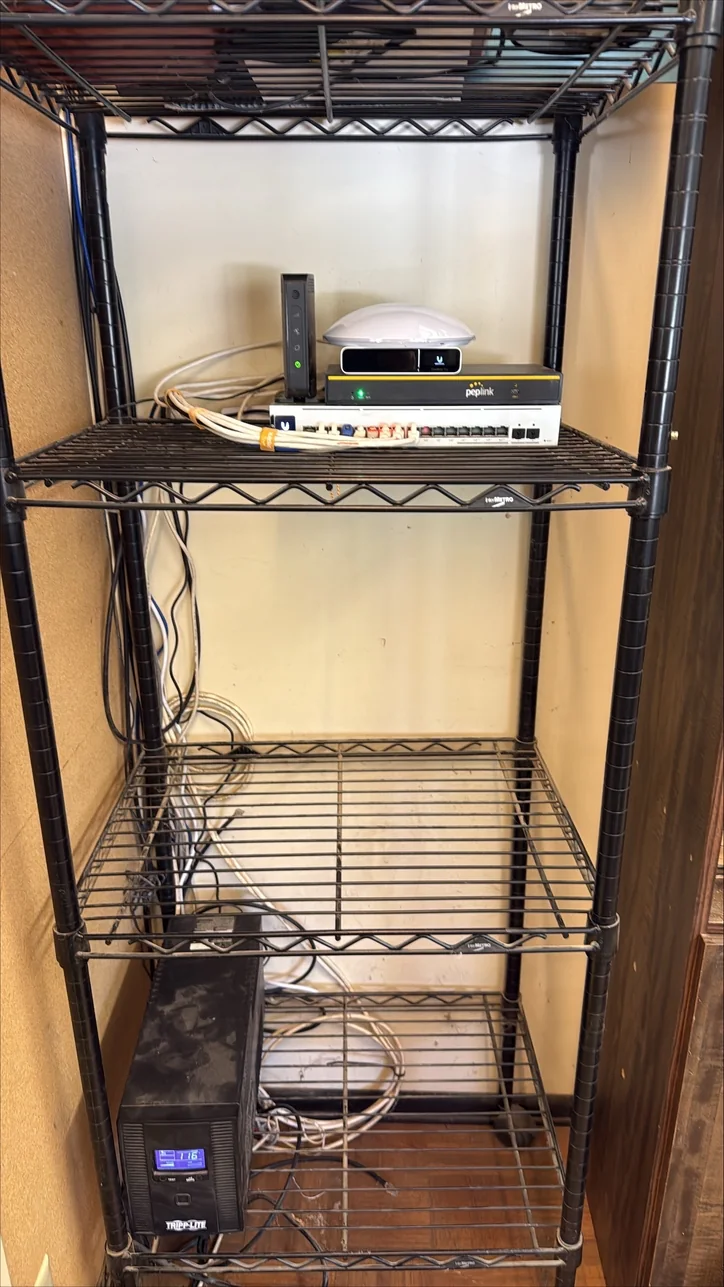
Workplace System Cleanup
Organized network, storage, and power equipment plus grouped cabling leave the finished setup easier to inspect, maintain, and troubleshoot.
Clear Process
List your users, locations, and the systems that slow your team down today.
You approve a quoted project price and schedule before anything is ordered.
Our technicians install, test, and train your staff, then stay on for ongoing support.
Useful Answers
It depends on your software and files. Many offices move email and documents to Microsoft 365 and keep a server only for programs that need one. We have moved offices off Google Workspace, other email hosts, and on-premises Exchange, and we help you decide.
Yes. We help you select and source computers, servers, and phones, and we handle the licensing and warranties. The equipment and setup come in one quoted project price.
Call routing can send calls to another number during an outage, and a backup internet line keeps the phones online. Our business internet service covers that backup line.
The same team that installed it. Ongoing support covers user changes, phones, and replacements, and you keep the documentation from the installation.
Next Step
Tell us about your team and what you use today. We'll put the equipment, timeline, and support into one plan.
Plan Workplace Technology →Mitec AI Assistant
Shae answers from approved Mitec information. Do not share passwords, security codes, payment details, medical information, or confidential records.
Privacy NoticeService Request
Your contact details go directly to Mitec through the secure form. They are not sent to the AI model.