Compare What Your Address Can Get
We compare price, speed, and reliability for the services your address can actually get.

Business Internet, Backup Lines, and Starlink
Card readers, phones, and cloud apps stop when your only connection drops. We compare what your address can get, from fiber to Starlink, and set up a backup line that takes over on its own. Our team brings 20+ years of IT and networking experience.
Review Internet OptionsWe compare price, speed, and reliability for the services your address can actually get.
A second line from another provider carries your traffic when the main one fails, and we test the switchover.
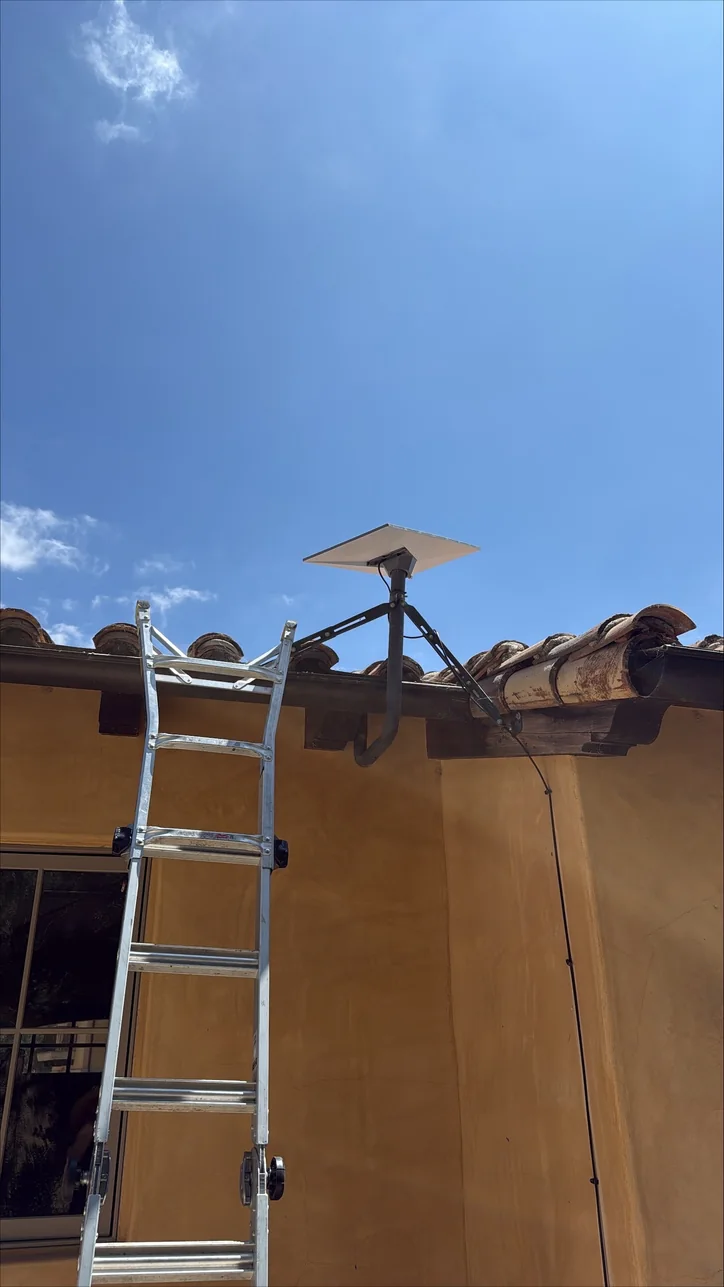
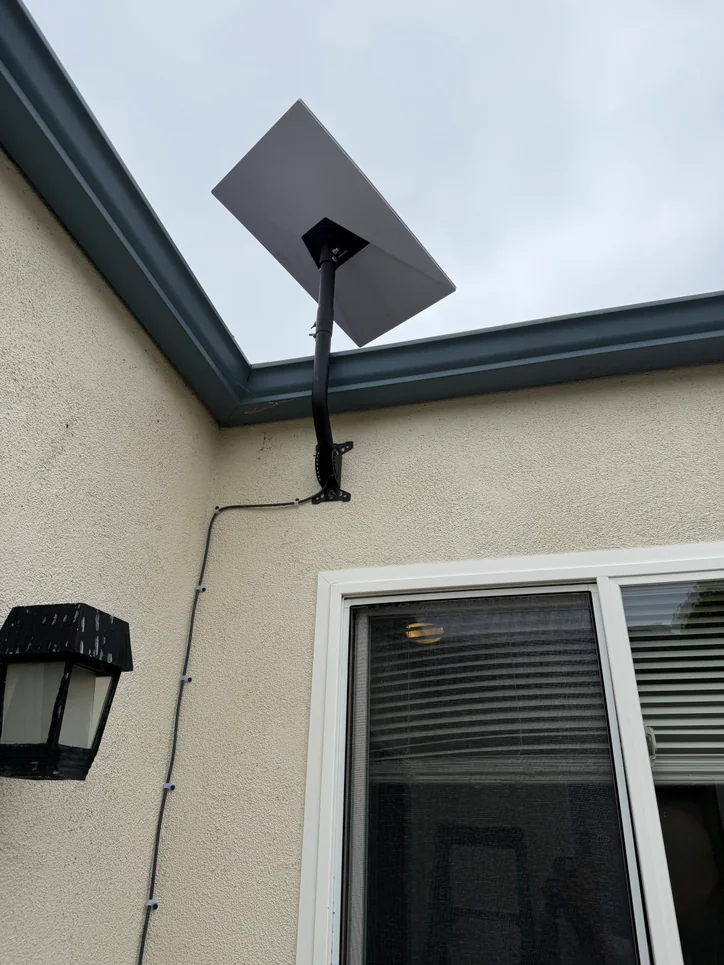
We install Starlink regularly. Where wired service falls short, we mount the terminal, connect it to your network, and test it.
Slow service can come from the provider, the router, or the Wi-Fi inside. We measure each one, so you don't pay for a faster plan when the problem is an overloaded firewall.
We size the backup line around what an outage would stop, like payments, phones, or remote staff.
Starlink Installation
A location-specific plan covers site evaluation, supported terminal installation, local-network connection, and final testing.
Clear Process
We test your current line and list what an outage would stop.
You see each option's monthly cost and what it covers.
We coordinate the provider's install, connect the backup, and test the switchover before we finish.
Useful Answers
No. You sign up with the provider and keep that contract. We compare providers, coordinate the install, and make the equipment work together.
Yes, we install Starlink regularly. We check the site, mount the terminal, connect it to your network, and test it. It can serve as your backup line or, where wired service is poor, as the main one.
Phones, card readers, and cloud apps move to the backup line on their own and move back when the main line recovers. We test that switchover before we finish the job.
No. A backup line covers a provider outage, not a power outage in your building. We plan for the failures that matter most to you and test them.
Run the free speed test on our Resources page with a computer plugged in, then again on Wi-Fi. Slow wired results point to the provider. If only Wi-Fi is slow, the problem is inside your building.
Two parts: the provider's monthly fee and a quoted project price for our installation. You approve both before anything is ordered.
Next Step
Send your address and current provider. We'll compare your options and recommend a backup that fits your budget.
Review Internet Options →Mitec AI Assistant
Shae answers from approved Mitec information. Do not share passwords, security codes, payment details, medical information, or confidential records.
Privacy NoticeService Request
Your contact details go directly to Mitec through the secure form. They are not sent to the AI model.